Aprendendo a desenvolver software no ecossistema WordPress – parte III: anotações do curso “Beginner WordPress Developer” da plataforma WordPress.org – seção 5 – “Introduction to themes for developers”
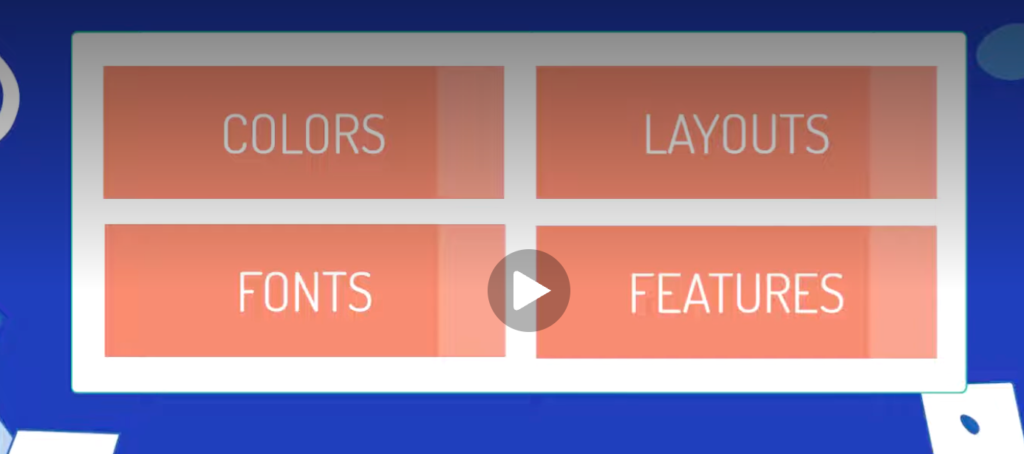
Temas são estruturas para se trabalhar os elementos:
Qual a diferença estrutural entre temas clássicos, temas baseados em blocos e temas híbridos (clássico + blocos):
The Twenty Twenty-Four theme is a good example of a block theme. Block themes use blocks for all parts of the site, including navigation menus, headers, content and footers. This theme’s files are mainly HTML and JSON file format. A block theme is a new theme that you can use from WordPress version 5.9. It is built mainly using HTML and a theme configuration file. The block theme is composed entirely of blocks, allowing you to edit all parts of your site in the Site Editor.
For a classic theme, the Twenty Twenty theme is a great example. Classic themes don’t use the block editor to manage the site, layout beyond posts and pages. With classic themes we mostly have PHP files. A classic theme is the original theme, without version limitations, that primarily uses PHP, JavaScript and CSS. Classic themes take advantage of WordPress PHP functions, hooks and filters.
A good example of a hybrid theme is the Twenty Twenty-One theme. A hybrid theme is a classic theme that adopts some features of site editing. For example, within the Twenty Twenty-One theme we will see in the functions.php file that they have added theme support for block styles.
Para estudar mais sobre os temas, ver o Tema Handbook.
Estrutura de arquivos e diretórios de um tema de blocos padrão do WordPress:
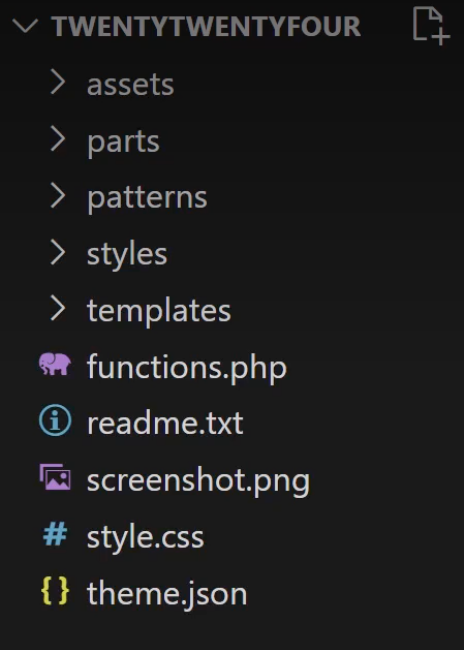
Within the assets folder, you’ll find fonts, images, CSS and JS files. Within the parts folder, you’ll find HTML files for things like the header and the footer. Within patterns, you’ll find PHP files for components you can build to save users time when they’re building their pages and posts. Within styles, you’ll find JSON files, which offer the user variations on their sites global styles. And finally, within templates, you’ll find HTML files for generating pages and posts.
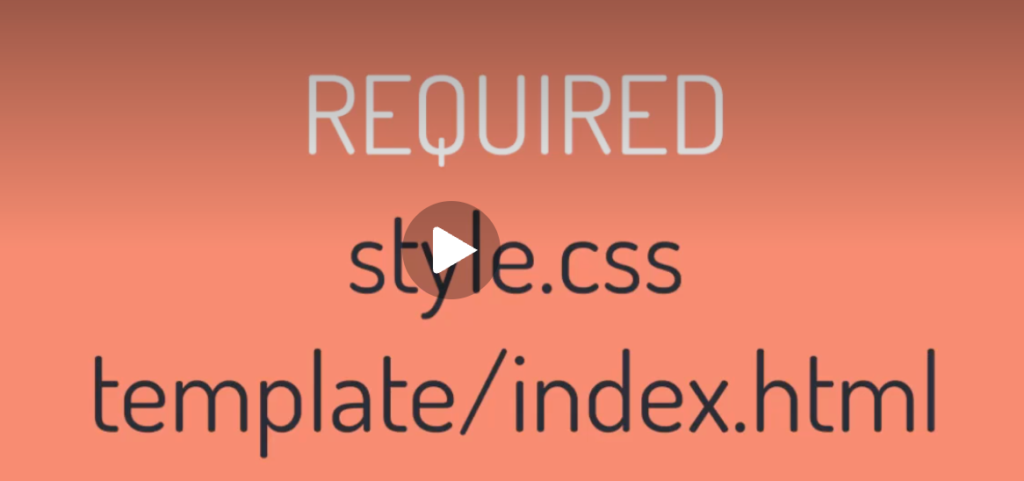
Apenas dois arquivos são requisitos obrigatórios para um tema de blocos:
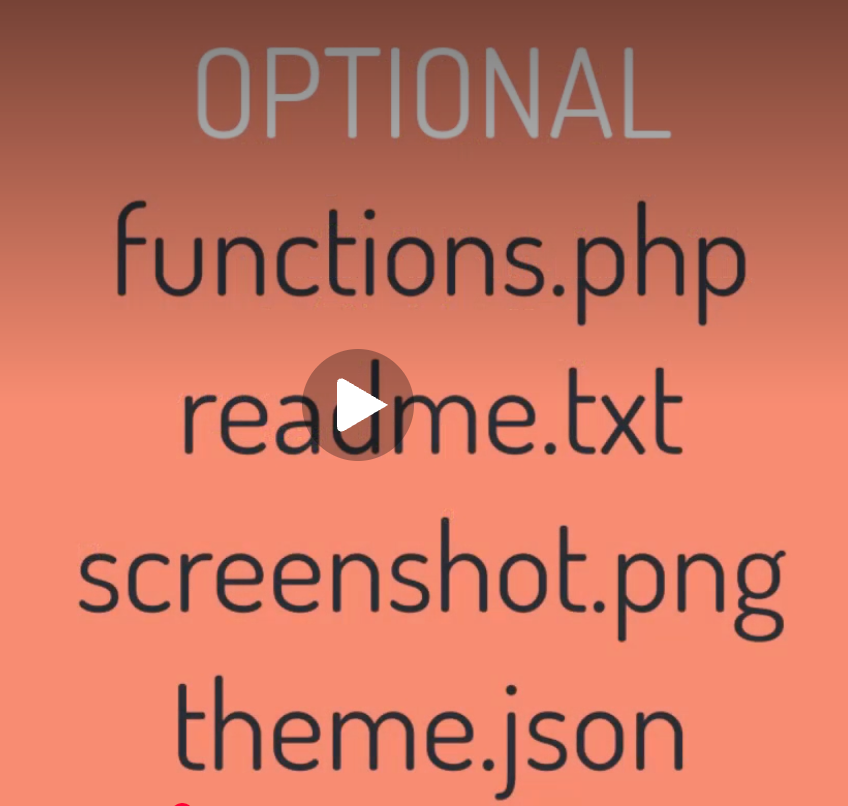
Arquivos opcionais:
Diretórios padronizados para um tema de blocos:
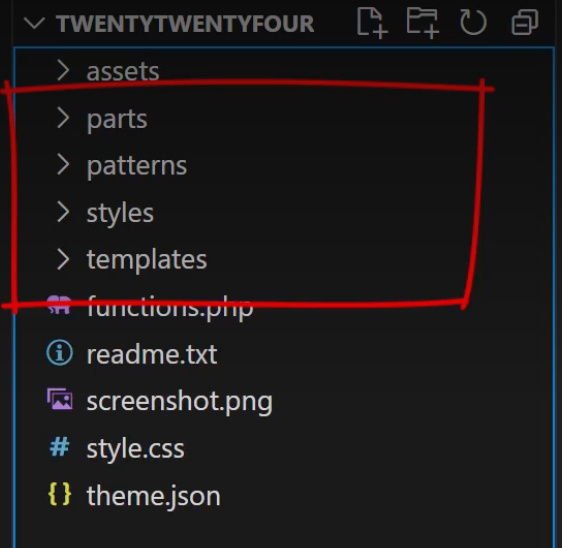
There are four standard folders. These are the standard ones that WordPress has designated for specific features.
Starting off with the templates folder, these are HTML files and they represent the overall document structure of the front end and they are essentially templates made up of block markup. We’ll be taking a deeper dive into the contents of these files later in this module.
Next there’s the styles folder which are JSON files and each one of these represents a different style variation. Users can pick the colors and fonts, adjust the different look and feel that they want for their website. We’ll discuss these in more detail within the intermediate theme developer learning pathway.
Next there’s patterns which are reusable components and they’re made up of one or more blocks that users can insert within the site editor. Note that WordPress will automatically register files included in this folder. Patterns are also covered in much more detail within the intermediate theme developer learning pathway.
The last folder is the parts folder. These are smaller sections that can be included within top level templates. This includes things like headers, footers, sidebars.
Estrutura do arquivo Style.css – o arquivo principal de estilo do tema – informações de configuração sobre o tema:
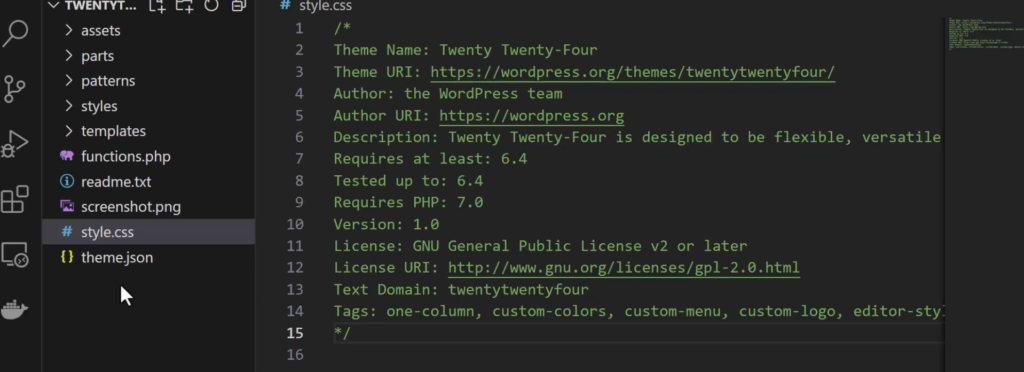
Sobre temas filhos: It’s important to understand that your child theme not only inherits your parent theme’s functions, filters, templates, and so on, but it will both extend and override its parent theme.
Now that connection between the child and parent theme is created by adding the header field template to the style.css file of the child theme. Here’s an example of a child theme created for the Twenty Twenty-Four theme.
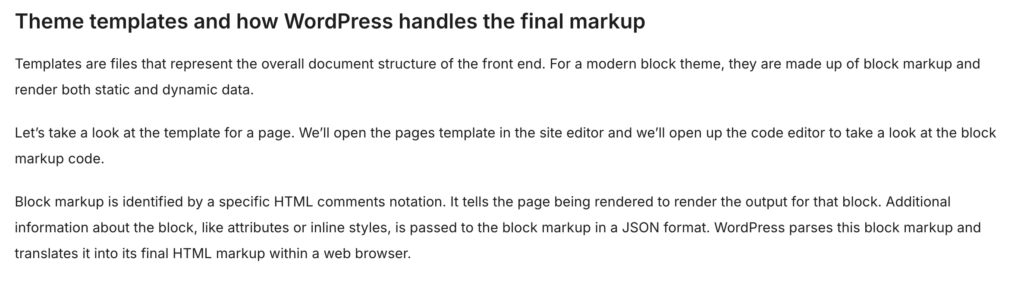
O mapa de hierarquia de páginas para temas de blocos- ler da esquerda para direita. Na ausência de qualquer página específica, o index.html renderiza qualquer chamada.
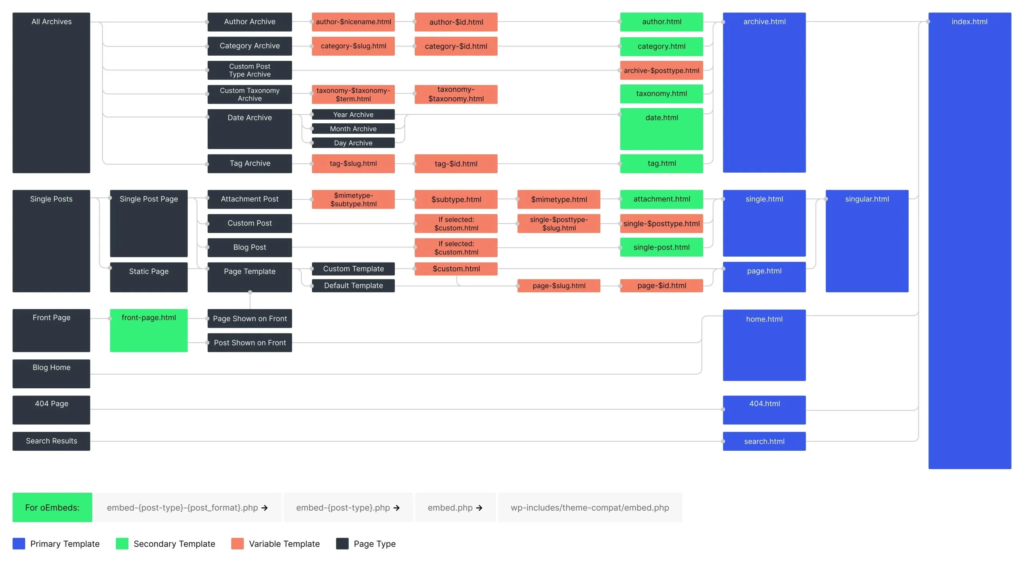
Estrutura de arquivos do template do Twenty Twenty Four:
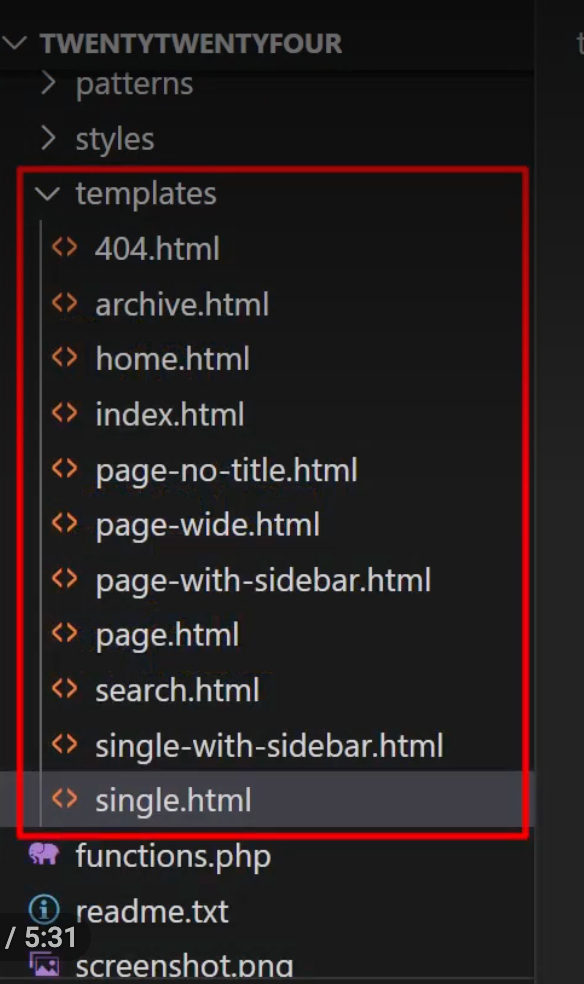
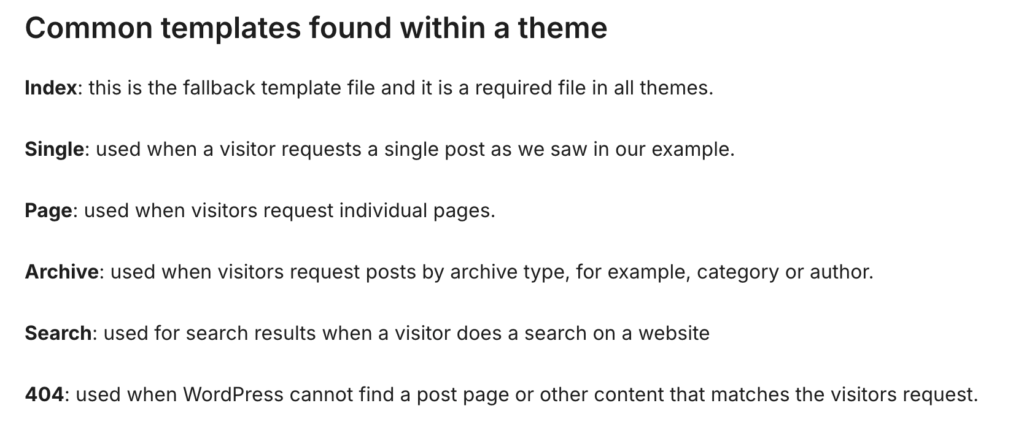
Nos templates de blocos, existe uma diferença entre páginas dos templates e partes de páginas (áreas de uma página) nos templates, como nas partes listadas abaixo:
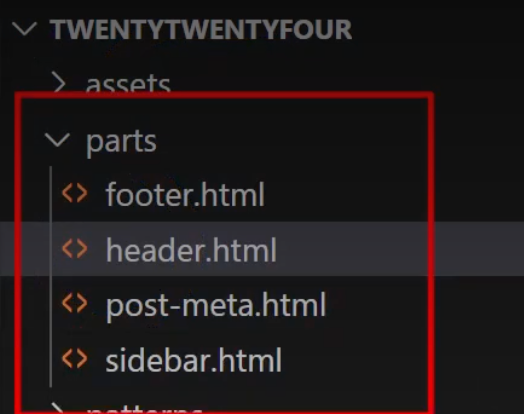
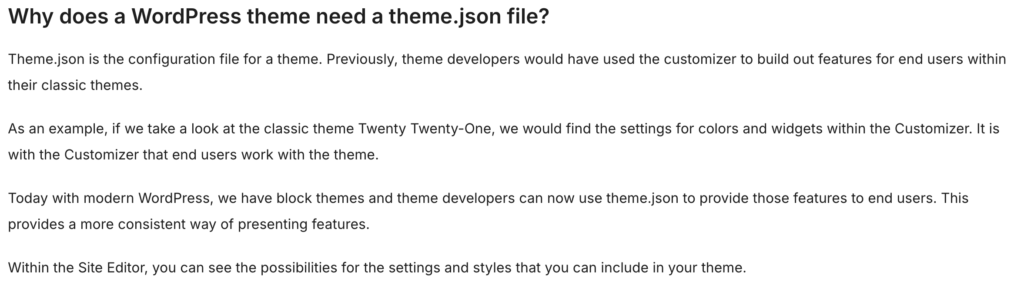
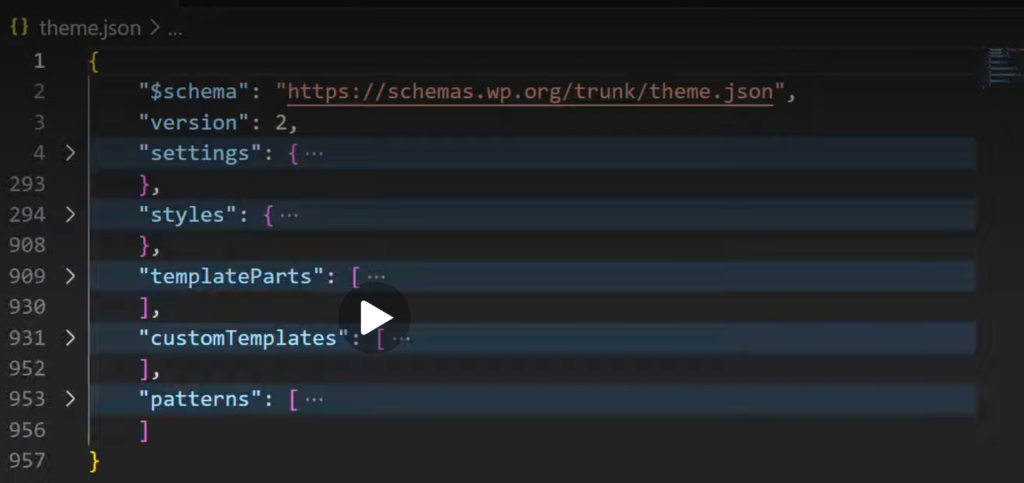
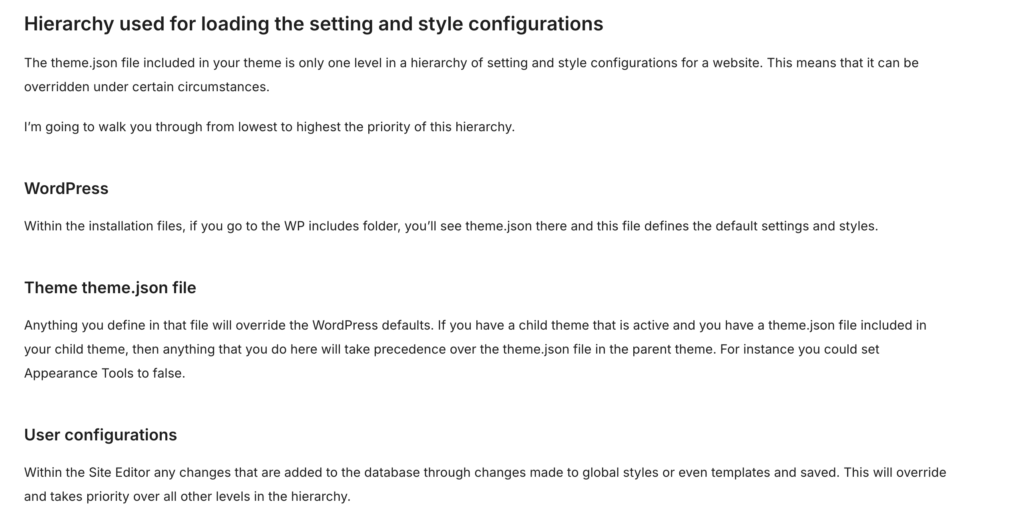
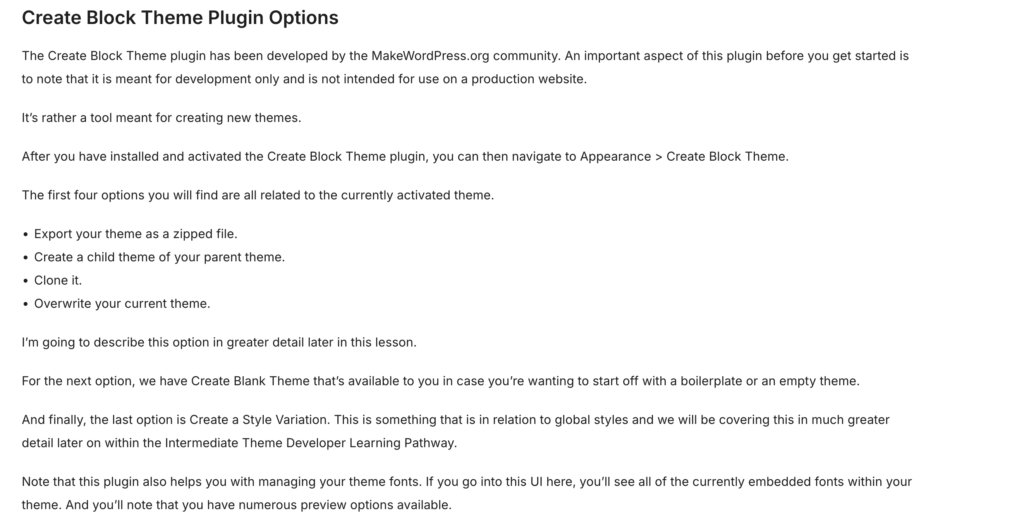
Ao final do módulo, é apresentado o Create Block Theme Plugin:
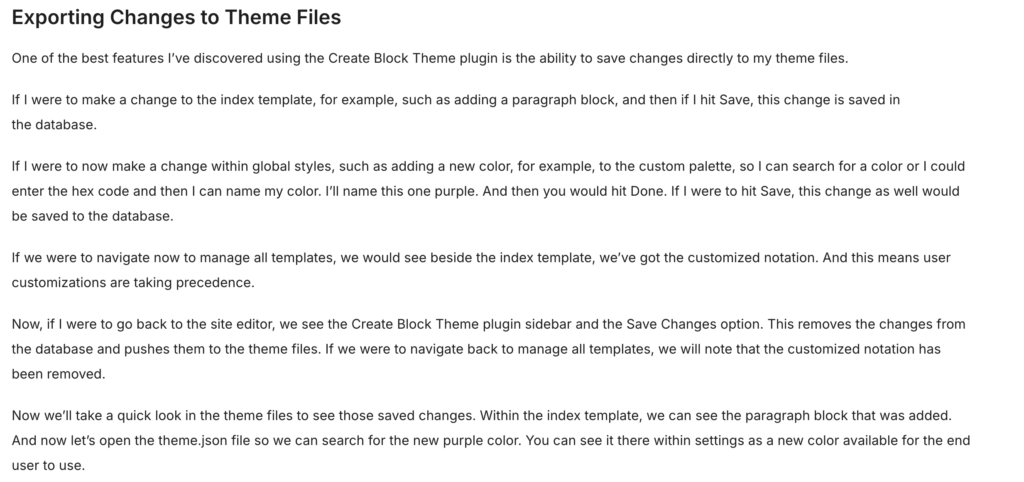
Uma das características mais úteis desse plugin é que ele permite salvar uma série de customizações em um tema de bloco que são salvas no banco de dados diretamente nos arquivos do tema, fazendo assim com que vire um tema que possa ser exportado e usado em outros sites.
Fim do módulo!